
VnROM Bypass APK [2026 Updated]
Last updated: March 31, 2026vnROM bypass refers to APKs and shortcuts used when Android is stuck on Google account verification (FRP) after a reset. Searches often use vnrom bypass, vnrom 2024, vnrom bypass 2024, or vnROM APK—same general intent. This page is an independent resource on frpaddrombypass.com: shortcuts by brand family, reference filenames, prerequisites, a careful install overview, limitations, and FAQs. Success depends on model and security patch, not only Android version.
Independent resource: Download APKs only from sources you trust. Verify exact filenames before installing.
What vnROM bypass is (quick answer)
vnROM bypass usually means third-party APKs and menu tricks that try to reach Settings, a browser, or Files during FRP verification so setup can continue when the original Google account isn’t available. It is not one universal exploit—OEM patches remove paths over time.
Before you start
Use only on devices you own or are authorized to unlock.
Try Google account recovery when possible.
APKs from unknown mirrors may be malicious or renamed—use trusted sources and scan when you can.
Menus differ by brand, Android version, and region/carrier firmware—if a step doesn’t match your screen, stop and find model-specific guidance.
VnROM Bypass Google Account 2026: Working for 2024 & 2025 Methods
These shortcuts help open pre-installed apps during verification. Not every shortcut works on every device.
Samsung / Galaxy (common)


Vivo

Xiaomi / Redmi

OPPO / Realme / OnePlus-style cloning

General / mixed brands


APK names & Galaxy Store bundles (reference list)
Download only from trusted sources. If install is blocked, allow Install unknown apps for the installing app (e.g. Chrome/Files) under Settings → Apps → Special app access (wording varies).
Galaxy Store–related bundles / files often referenced
Alliance Shield on Galaxy Store (commonly listed alongside)
Safety: Wrong filename → do not install.
Get the VnROM APK
Install the VnROM bypass APK build you trust, following safety notes above. The APK is one part of the flow—shortcuts and menus still depend on your patch.
Prerequisites for VnROM bypass
To bypass, you’ll require the following.
- Android phone at FRP / Google verification
- Wi‑Fi (most flows)
- USB drive + OTG (for common USB-install routes)—optional if you use another delivery method
- PC only if you use a computer-based unlock tool
How vnROM bypass works
Typical goal: open system surfaces from the lock/verify screen, then use APKs or settings so the device can finish setup. Patch updates break older routes—2024/2025-era flows may fail on newer patches on the same Android version.
How to install and use the VnROM app
Outline only—screens vary. If any step doesn’t match, stop.
- Put the APK on a USB drive (if using OTG).
- Connect OTG to the phone (if supported).
- Connect Wi‑Fi.
- Enable TalkBack if your path requires it (triple-tap Home on some builds).
- Open TalkBack settings / Help & feedback as your device shows.
- Use Voice Access / YouTube routing only if it appears on your build.
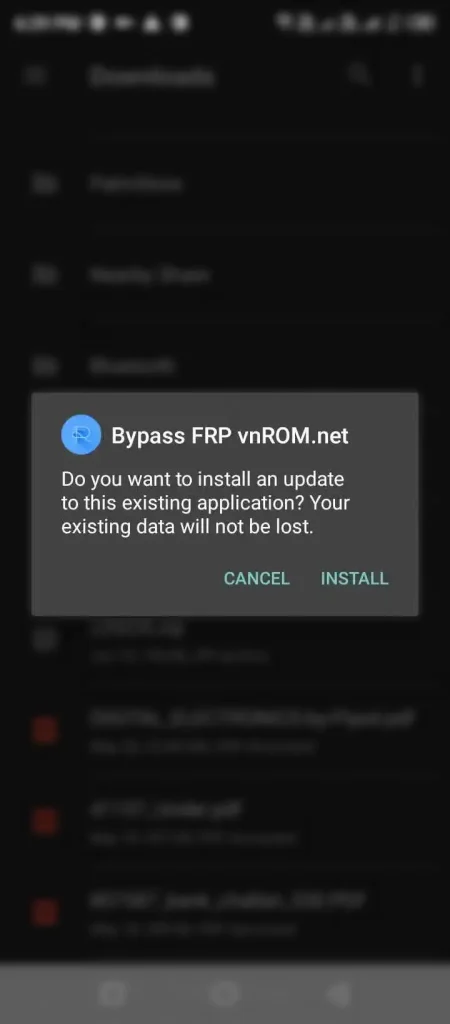
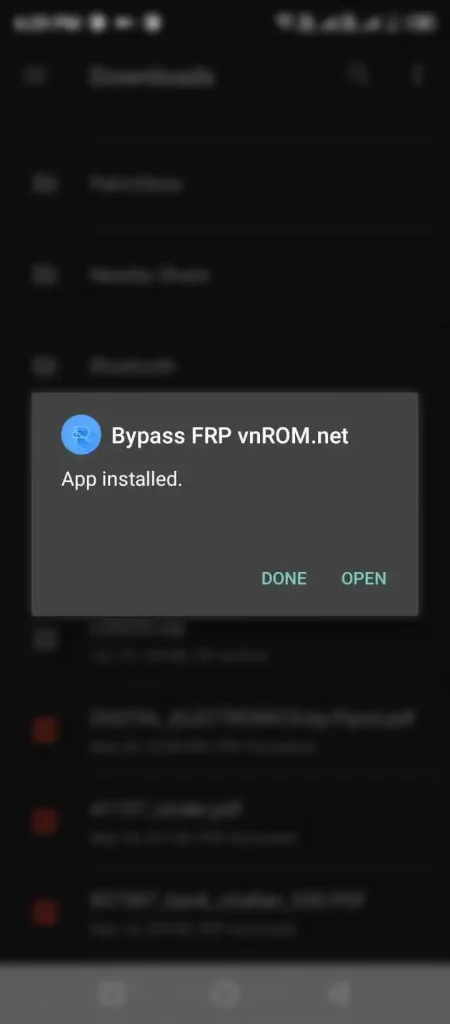
- Reach Files / Downloads / USB storage and install the APK.
- Enable unknown app install for the installer if prompted.
- Open the installed app; follow on-screen menus (some builds show system-style lists—options differ).
- Factory reset steps are high risk—only if a trusted, model-specific guide requires it and you accept data loss.
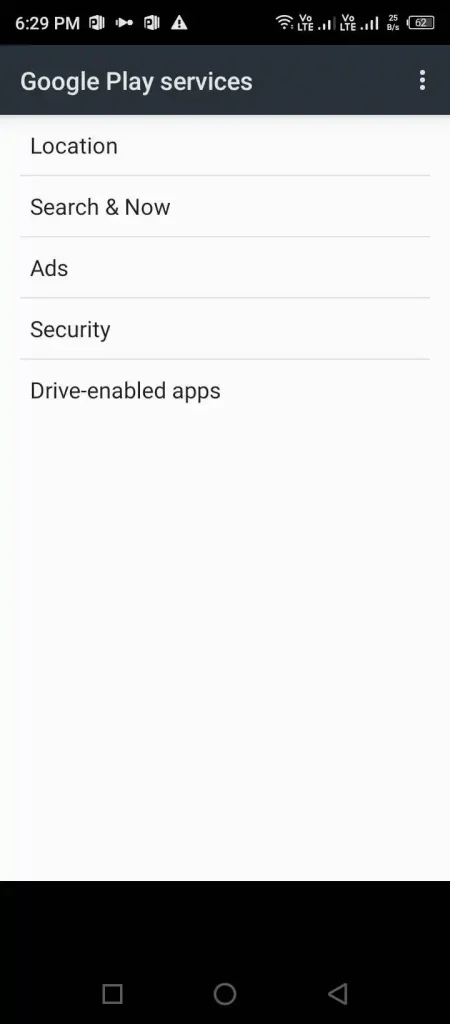
Here are some key features of vnrom bypass:

Broad Compatibility
Many brands; patch-dependent.

Easy to Use
When the menu path still exists on your patch.

No Registration Required
Typical for public APK flows; still verify source.

No Ads
Varies by build; suspicious ads/permissions → stop.
Only if the source is trustworthy. Unknown mirrors = higher risk.
No. Model + security patch decide success.
Try other shortcuts (same brand first), confirm patch date, or see AddROM bypass for a parallel toolkit.
May conflict with Google/OEM terms; use only on authorized devices.
These tools are discussed for verification/FRP contexts; other uses may fail or add risk.
More tools: AddROM bypass homepage — shortcuts & APK reference for 2026.
Disclaimer
Informational only. FRP work can cause data loss or device issues. No guarantees.
Related guides
AddROM bypass APK & FRP tools
Comprehensive FRP bypass